
BetterEdits vs CapCut vs Edits: which one for the short videos you make every week
Three editors for short video, compared. Where the phone editors win, where a Mac editor an agent can drive wins, and when to use Final Cut instead.
If you make a short video a week, you've used CapCut or Instagram's Edits, and probably both. They're good at what they're for. BetterEdits is for something else, and the difference is worth being exact about.
What the phone editors are for
CapCut and Edits are built around the phone: shoot, trim with a thumb, drop a template or an effect, caption, post. Everything is in one app, the effects library is enormous, and the loop from footage to feed is short. If your video is made and finished on the phone, they're hard to beat, and BetterEdits doesn't try to.
Where they cost you is the moment the video is more than a thumb's work. A four-minute take with thirty pauses is thirty drags. A recording you want five clips from is five projects. Your footage lives inside the app and so do your exports.
What BetterEdits is for
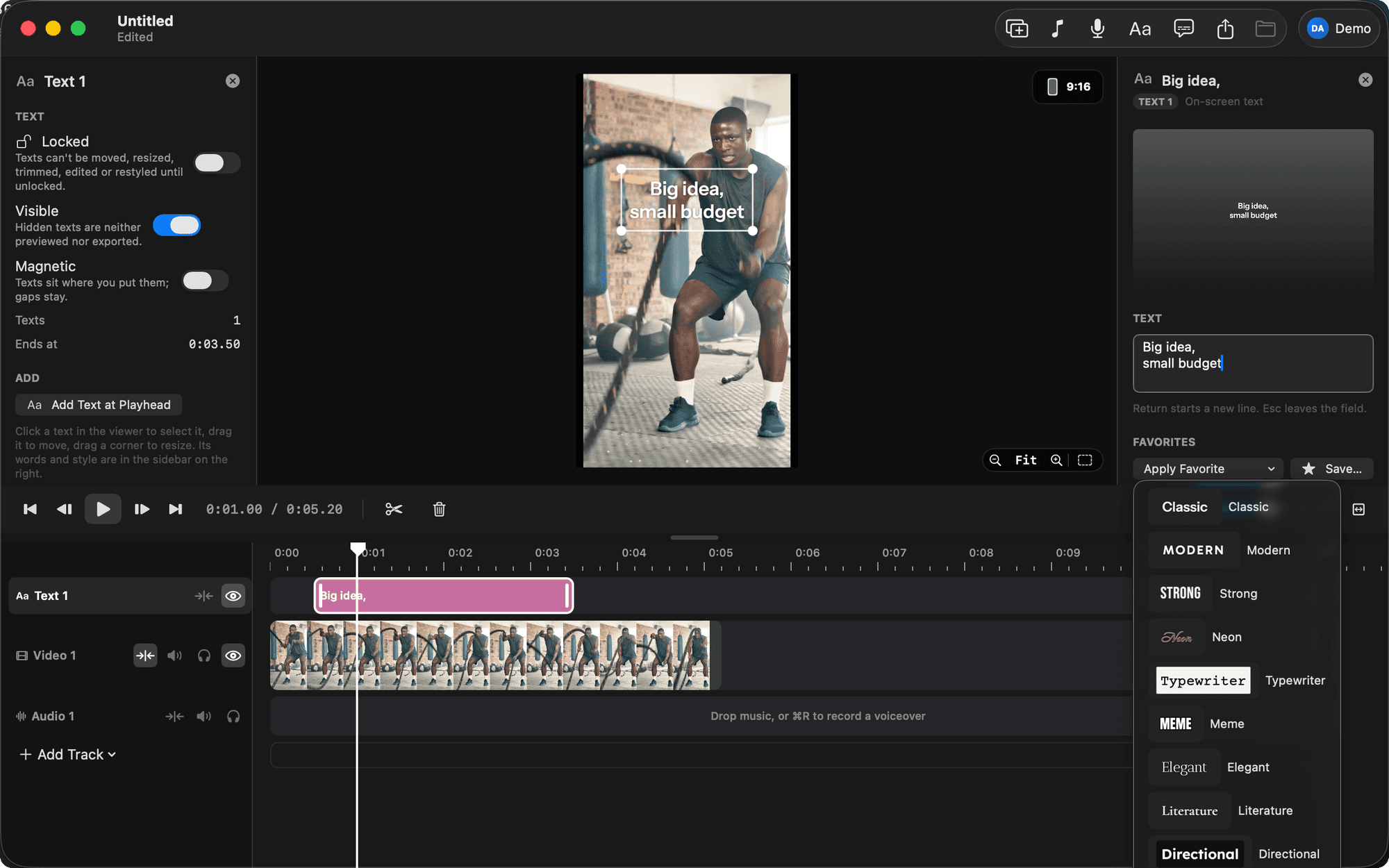
A Mac editor in the spirit of Edits, kept small on purpose, that an AI agent can drive. One magnetic timeline, video, audio, text and subtitle tracks, frame-exact trims, text in seventeen Edits-style looks, captions in eight styles, voiceover that ducks the music, and export from HD to 4K with HDR kept.
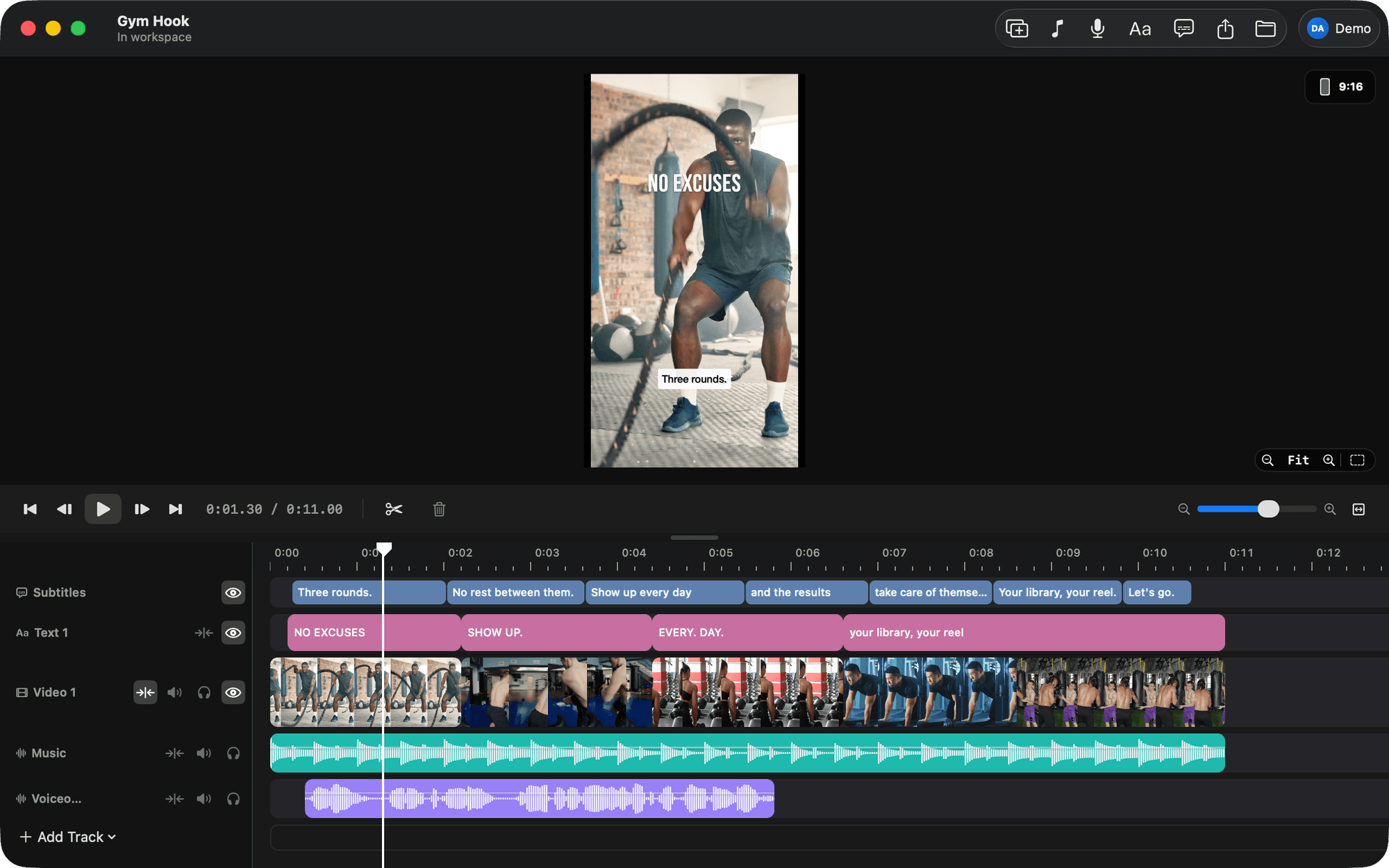
The difference is who does the dragging. Open Claude Code, Codex or Cursor and say what the video should be: cut the pauses, start at the sentence where I name the feature, caption it, export it. The agent does it in the app while you watch, and every change is one undo step.
That works because BetterEdits does one thing the phone editors don't. It analyses your footage and gives the agent the words, every one with its timing, so the agent cuts by what you said. An agent can't watch video. This is what it works from instead.
Side by side
| CapCut, Edits | BetterEdits | |
|---|---|---|
| Where | Phone first | Mac |
| Who edits | You, by thumb | You by hand, or an agent from a sentence |
| Effects, transitions, templates | Thousands | None, on purpose |
| Captions | Automatic, in the app's styles | From the transcript, in eight styles you can edit, positioned per track |
| Text | Many looks | Seventeen Edits-style looks plus every font on your Mac |
| Your footage | Inside the app | In folders you own, used in place |
| Your video | A project in the app | A document of plain files you can open anywhere |
| Cutting by what was said | No | Yes, once the file is analysed |
| Price | Free with a paid tier | Editing is free. Agents are Pro |
What isn't in BetterEdits
Effects, transitions, keyframes, colour tools, speed ramps, multicam, a plugin store. Each of those would make the video unreadable as text, and the agent depends on reading it. For a long-form piece that needs them, use Final Cut. Your footage stays in folders both can read.
Pick by the job
- A Reel made and finished on the phone: CapCut or Edits.
- A talking head, a demo cut into clips, or a hook and three points, captioned, from footage on your Mac: BetterEdits, with the agent doing the dragging.
- A twelve-minute documentary with a colour grade: Final Cut.
Each of the jobs BetterEdits is built for has a tutorial: Tutorials.
