
How to turn one long video into short clips with an AI agent
A 20-minute recording becomes five captioned clips, each its own video, each exported, from one ask. How the agent finds the moments, why the recording is never copied, and what it costs.
The recording that pays for itself is the long one: a demo, a podcast, a lecture, a stream. Inside it are five short videos. Finding them by scrubbing takes an afternoon. Finding them in the transcript takes a sentence.
The agent reads the whole thing
Once BetterEdits has analysed the recording, the agent has every word with its timing and every silence. It reads all twenty minutes as text. That's the difference between an agent in BetterEdits and an agent with an MP4: it can search for "where I name the feature" instead of guessing at frames.
Cut this recording into five clips under 45 seconds, one for each feature I demo. Each clip should start at the sentence where I name the feature. Make each one its own 16:9 video, named after the feature.
The agent makes five videos in the workspace. Each one is a stretch of the same recording, used where it is on disk. The file is never copied five times. Each timeline is a single clip trimmed to its stretch, or a few clips if a pause needed cutting.
One recording, many videos
Every video in a BetterEdits workspace is its own folder of plain files, so a change in one never touches the others. Open the workspace window and the five are cards. Open one and fix it:
Open the Placeholders one. It should end after "and that is the whole trick", not before.
Captions and a title on all five
Caption all five in the Bold Outline style at the bottom, and put each one's name on screen for the first two seconds in the Strong favorite.
The agent opens each video in turn, fills its Subtitles track from the words in its stretch, and adds the text. Ask for a contact sheet of each to check the cuts and the titles.
Export the set
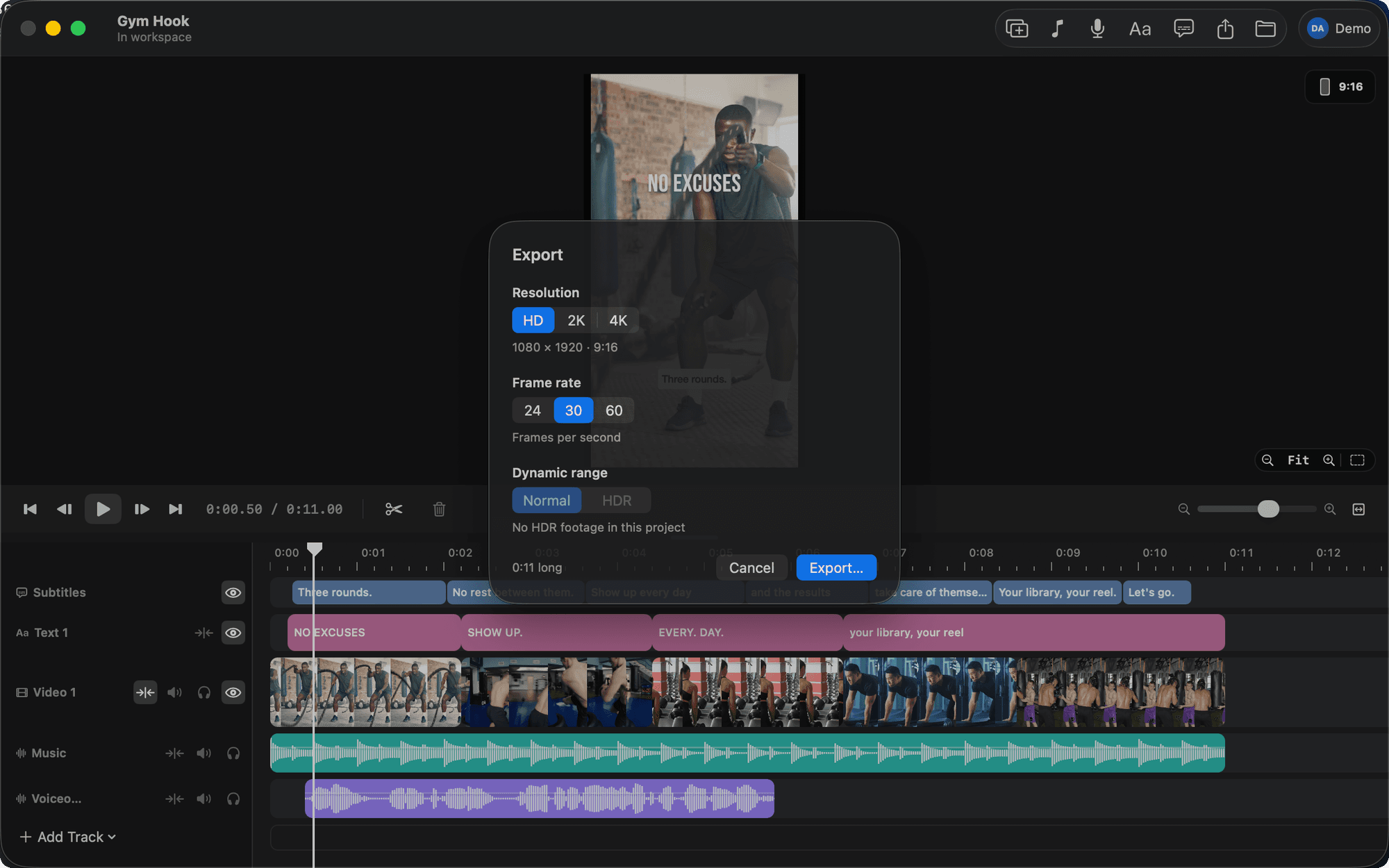
Export all five at HD, 30 fps.
Five MP4s in your Movies folder, named after their videos.
What it costs
Analysing video costs 3 credits a minute of the file, so the 20-minute recording is 60 credits, however many clips you cut from it and however many times. Pro gives you 450 credits a month. An audio-only recording costs 1 credit a minute.
Variations
- Vertical for Reels: ask for 9:16 videos. A screen recording is letterboxed, so ask for a title in the space above it.
- A hook first: "Start each clip with the sentence where I say what the feature does, then jump to the demo."
- A series: the same title style on all of them, numbered.
The agent picks moments by what you said. It doesn't know which one looks best or which one your audience will like. Read the five names it chose and swap one if you know better. The tutorial is Turn one long recording into a week of short clips.
