
What an MCP video editor is, and how Claude Code edits video with one
BetterEdits is an MCP server. What that means for Claude Code, Codex and Cursor, what the agent sends and gets back, and why every change is one undo step.
MCP is the protocol an agent uses to call tools it didn't ship with. Claude Code, Codex, Cursor and the Claude app all speak it. BetterEdits is one of those tools: the app runs an MCP server, and an agent connected to it can read the open video, change it, look at it and export it.
Here is what happens when you say "cut the pauses" and the timeline changes.
One server, one click
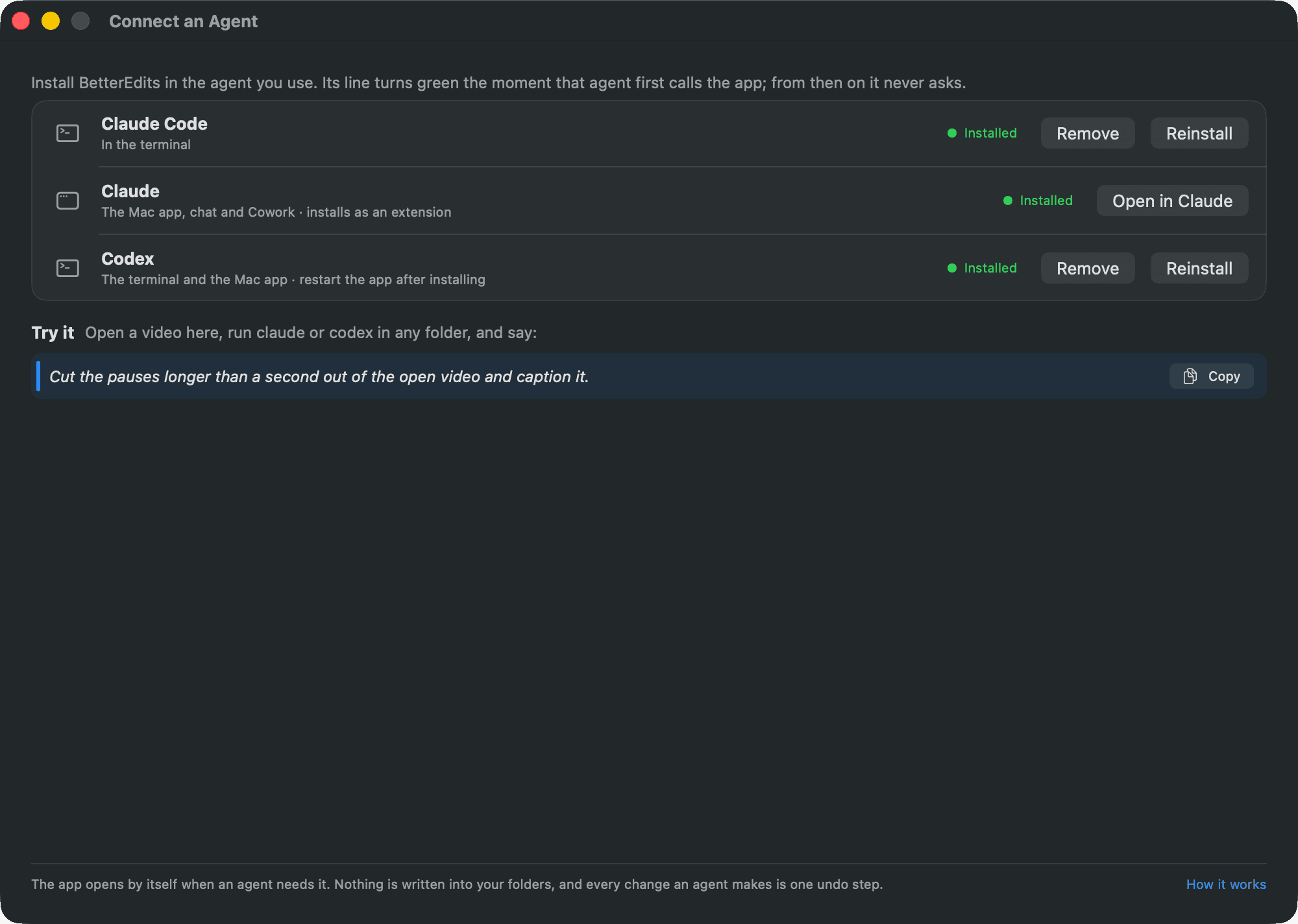
Connect an Agent, in the app's Help menu or behind the Agent button in the toolbar, adds the server to the agent you pick with one Install button. For Claude Code it registers the server for your user, so the tools are there in every folder, and adds a permission rule so the tools run without asking. For Codex it writes Codex's own configuration, shared by the terminal and the Mac app. Cursor and any other MCP client take one command from Settings › Agent integration. Nothing is written into your workspace.
A guide travels with the server. When the agent connects, the server's instructions tell it how videos are made in BetterEdits, what every tool does, how tracks, clips, text and captions behave, and the house rules. The agent reads that before you type a word.
The video is a document
The agent never edits a file on disk. It asks the app for the open video as one JSON document: the canvas and the brief, the tracks with every clip, text and caption bar, and the looks. It changes the document and hands it back, with the revision it came from.
The app then reads the document the way it reads its own files: strictly. A misspelt key, a file that isn't in the video, an out point past the end of the footage, two clips overlapping on a free track, a change to a locked track. Each is refused with the place it happened, and nothing changes. A document that passes is applied as one undo step called Agent Edit, and the app writes the files.
A commit that arrives after you changed something by hand is refused too, because the revision moved on. The agent fetches the document again and redoes its edit on top of yours. That's the whole safety model: the agent works through the same rules as the window, and ⌘Z takes any step back.
Why text
An agent is good at text and bad at pixels. Give it a timeline as text and it can read the whole edit at once, reason about it, and rewrite it. Give it a strict reader and it gets told exactly where it went wrong, instead of quietly producing something broken. That's why the timeline is a document and not a list of buttons to press.
The same goes for the footage. An agent can't watch a video, so BetterEdits analyses each file once and gives the agent what it found as text: every word with its timing, the speakers, the pauses, the words on screen, the scenes, the beats. On Pro this happens by itself for everything in your workspace. The features page shows what it looks like for one file.
What it can look at
Text isn't enough to check a cut, so the agent asks the app for pictures: a frame at any time, or a contact sheet with one labelled frame per clip and the captions and text drawn on. It reads them like any image.

It can also move the playhead, select a clip and bring the app to the front, so when it says "the clip where you say the product name", you're looking at it.
What it costs
Connecting an agent is free. Using it is Pro. A tool called without Pro answers with how to sign in or start the trial, and the agent relays that to you. The pricing page has the numbers. The manual has the full contract in How an agent edits, and every tool with its options on Command line.
